ACADEMY
GTA 5 & FiveM Modding Tutorials
Extract
Use WinRAR or 7-Zip to extract the contents to a folder on your desktop.
Install
Follow the specific video tutorial below for your mod type (Weapon, UI, or Map).
Welcome to the Academy
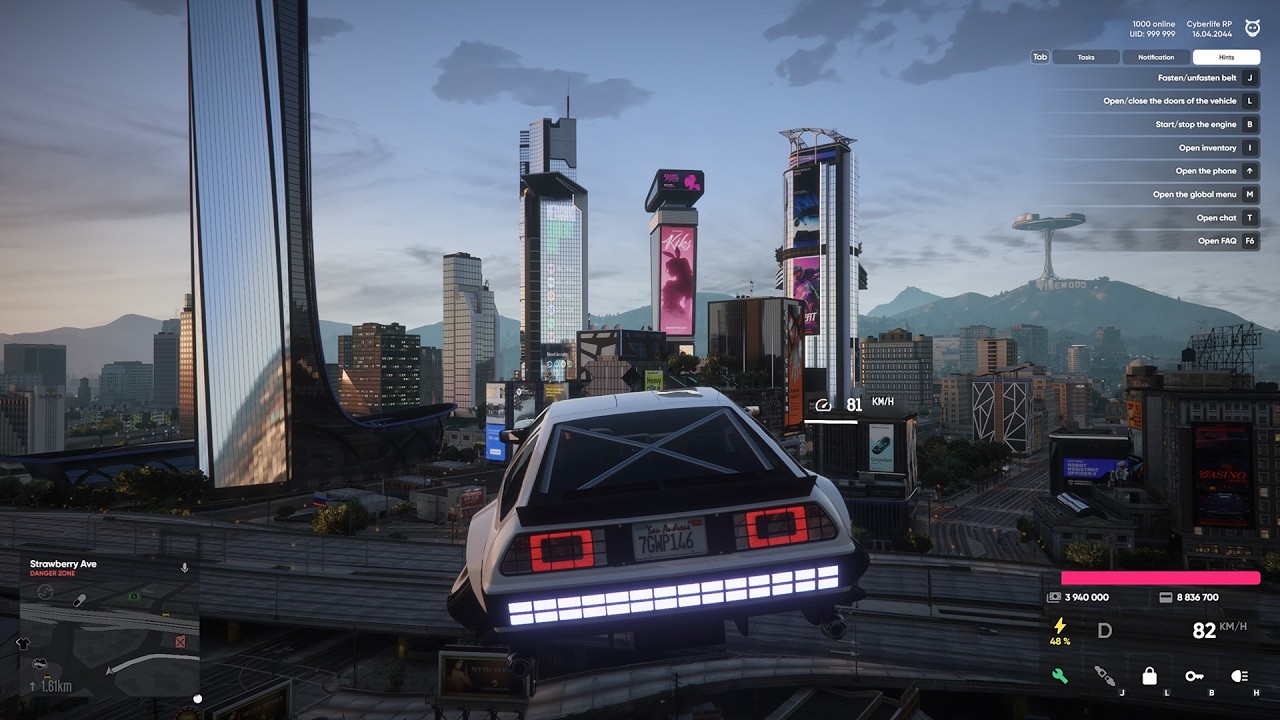
Watch Cinematic Introduction
Learn the secrets of professional GTA 5 and FiveM modifications. From custom skyboxes to advanced weapon modeling, we cover it all with zero FPS loss techniques.
Weapon & UI
3D Icons • Crosshairs • Tracers • Hit Effects
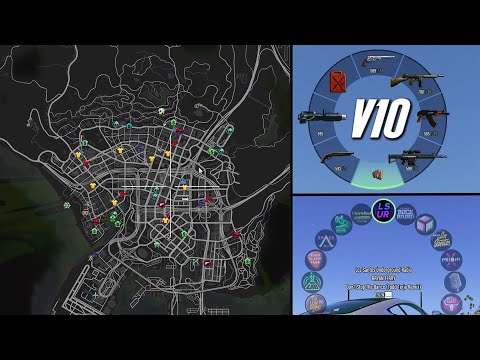
Install 3D Weapon Icons & 3D Radar
Change Crosshair + Target Color
Make/Remove Outline & Blur Effects
Custom Effects and Tracers Guide
How to Replace the Tracer
How to Replace Time Cycles
How to Replace the ESC Map
How to Replace Hit Effects
Weapon Skin: UV Editing + Glow
Attaches + Vertex Painting Guide
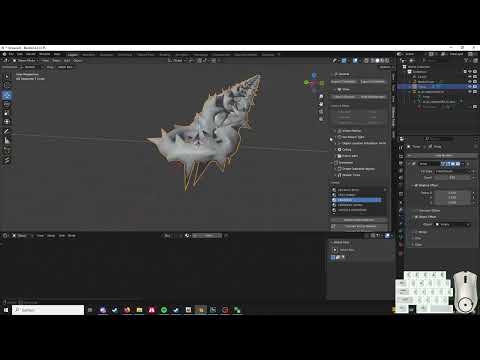
Chains + Sculpting Weapons

Editing Gun Models Tutorial
Minimap & HUD
Healthbars • Custom Maps • Markers • GIFs
Move HP to side of Minimap
Make Digital HP on Minimap
Move Minimap to Center of Screen
Remove Minimap Outline Blur
Move Big Map from ESC to Minimap
How to Make a Big Map
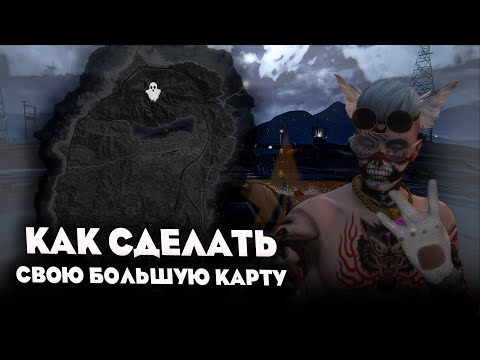
Create & Move Your Own Big Map
Make Text/Label on the Minimap
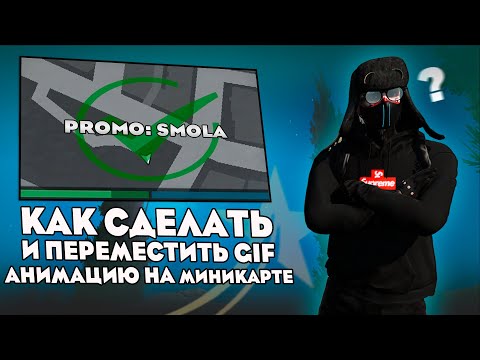
Make GIF Animation on Minimap
Heart Icon on Damage (Minimap)
Make a Marker (Works on Minimap)
Advanced GIF Minimap Animation
Custom Map Marker Guide
Change KM/M to Custom Text
Remove Shake on Barrel Explosion
Custom RageMP Minimap Tutorial
Performance & Fixes
FPS Boost • Error Fixes • Texture Compression
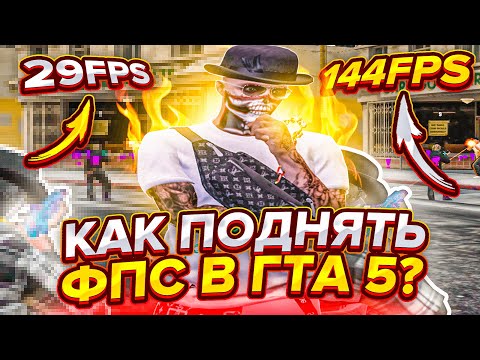
Boost FPS / Remove Rain Particles
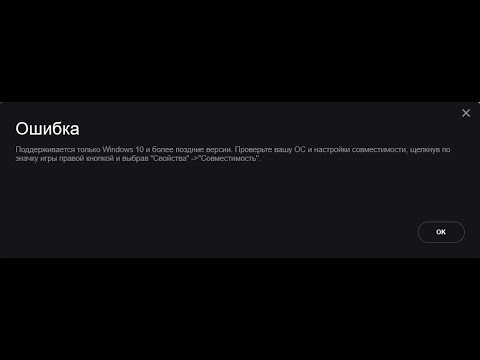
Fix for GTA 5 Error "Only supported..."
Compress Any Texture in GTA 5 RP
45$ FPS Boost Pack (Password: vvxc1)
Map & World
Props • Items • Ghetto Squares • Skyboxes
Add Items/Props to the Map
Remove Ghetto Squares from Big Map
Make Custom Skybox for GTA 5
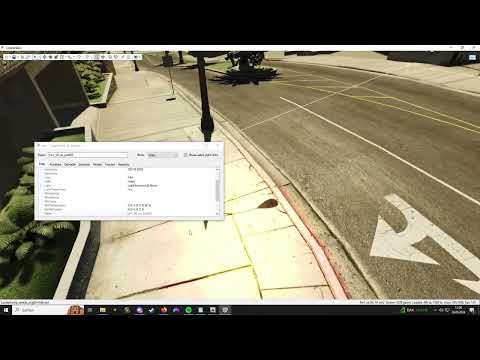
Delete Map Props [CodeWalker]
Sounds
Entry Sounds • Headshot Effects • Custom SFX
Custom Sound When Entering Game
Make a Sound When Hitting Head
Miscellaneous
Damage Logs • File Extraction • Environment Fixes
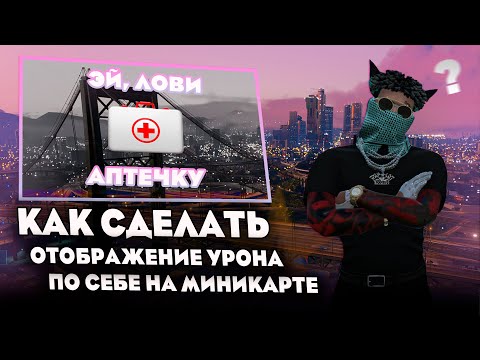
Display Damage Dealt to Yourself
Extract Replacements from Files
How to Remove Rain Drops
Clothing & Effects
Glowing Outfits • Custom Textures • Hit Effects
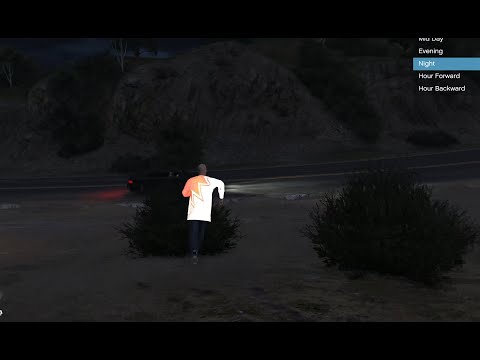
How to Make Clothes Glow
Custom T-Shirt Design Tutorial
Make Custom Hit Effects
Custom Minimap Healthbar Guide
Installation
Redux Setup • Launcher Guides • Grand RP
How to Install Redux | Grand RP
Redux on Rockstar Launcher (Rage MP)
More Coming Soon
We are constantly updating our academy with new high-quality tutorials. Stay tuned for more exclusive content!
Request a TutorialCommon Questions
Are these mods safe for FiveM/RageMP?
Yes. All BIGFIST mods are meticulously tested for compatibility and safety. They do not contain any malicious code and are designed to work seamlessly with official launchers.
Will these mods affect my FPS?
Our mods are optimized for performance. In many cases, our texture optimizations can actually improve your FPS while providing superior visuals.
Do I need OpenIV to install?
Most of our FiveM mods are "drag and drop" into your resources or citizens folder. For single-player or certain RageMP setups, OpenIV might be required as shown in the specific tutorials.